Tenants and property users
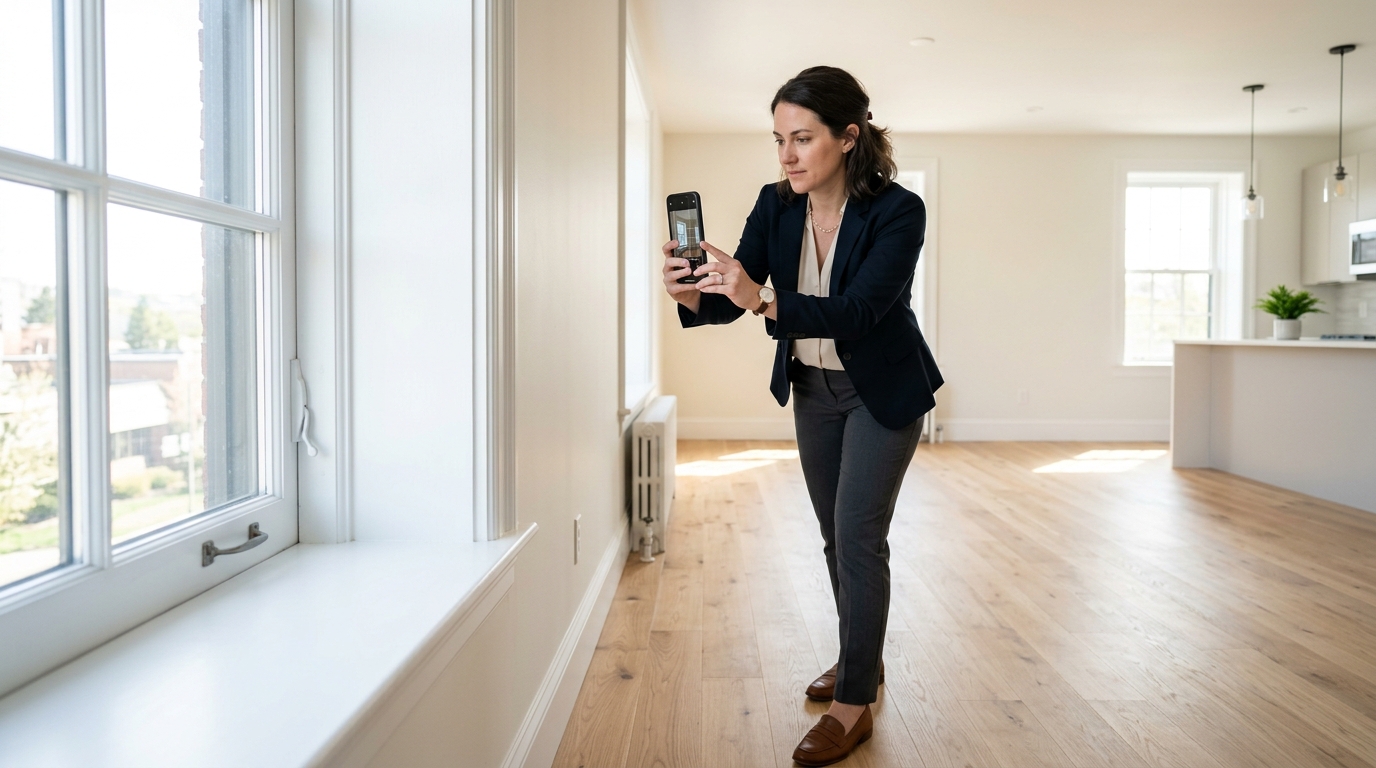
Document move-in condition, maintenance issues, repairs, communications and move-out condition.
A straightforward local documentation app for people who need more than a camera roll—but do not need GPS navigation, dispatch, team chat or a cloud workspace. Buy now or test with a 7-day free trial.
Document move-in condition, maintenance issues, repairs, communications and move-out condition.
Organize damage, deliveries, warranty work, insurance records and supporting documents.
Keep renovation progress, valuables, collections, travel, events and important visual records together.
Create projects, add sites and addresses manually, select the active project, and keep every item in its proper context.
Capture photos, video, scans, barcodes and QR records directly into the selected project and site.
Crop, rotate, enhance, adjust, draw, add text and arrows, redact sensitive areas and preview changes live before saving.
Browse thumbnails, filter by project, favorite important media, multi-select, add notes and tags, and open complete evidence details.
Deleted evidence, sites and projects remain recoverable for 14 days. Restore to the original project or archive if it no longer exists.
Record conditions, severity, responsibilities, due dates and supporting evidence so the report explains what matters.
Generate polished PDF and image-rich HTML reports with a centred cover, project details, evidence, notes and findings.
Share reports through installed apps and create structured project exports with integrity information for safekeeping.
Save a full portable backup to a user-selected device folder and restore projects, settings and local records when needed.
Cache maintenance, storage warnings, large-file guidance and startup health checks help keep extensive libraries usable.
An edition-specific quick guide explains first-time setup, capture, editing, reports, Trash, backup and recovery.
Responsive controls, prominent quick actions and touch-friendly navigation support busy environments and larger screens.
Client omits VDR Scope network synchronization and location permissions. Records stay in the app’s local storage unless you export, back up or share them.
Photos are scattered through the camera roll and difficult to connect to dates, rooms, repairs or conversations.
The user captures directly into a named project, adds notes, highlights damage and favorites the most important images.
A clean report and backup preserve the story in a format that can be reviewed or sent to the appropriate party.
Illustrative use case—not a customer testimonial or guarantee of outcome.
Choose an annual licence or a one-time purchase for Android or Apple devices.