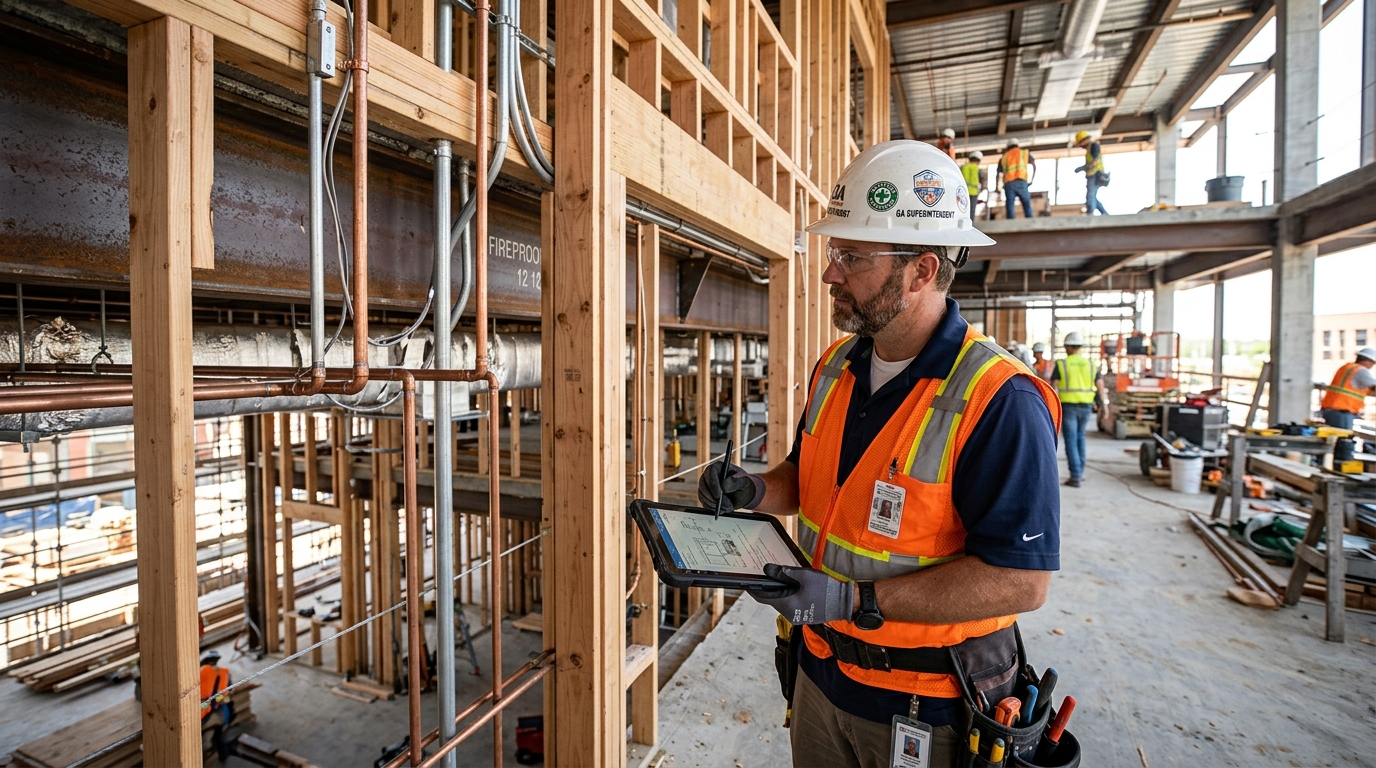
Inspectors and assessors
Plan addresses, record site conditions, document findings and produce an organized report.
A complete local field toolkit for professionals who travel between projects, collect visual evidence, annotate findings and deliver reports—without running a synchronization server. Buy now or test with a 7-day free trial.
Plan addresses, record site conditions, document findings and produce an organized report.
Navigate to work, capture before-and-after evidence, record notes and share service documentation.
Preserve project context, original media, revisions, timelines and structured exports.
Document progress, deficiencies, equipment, access, deliveries, routes and completed work.
Pro includes local projects, capture, editing, evidence organization, findings, reports, exports, Trash, backup and recovery, with additional location and route tools.
Create projects before departure, manually add sites and addresses, organize instructions, then navigate when work begins.
Start on location and optionally fill the project, address and coordinates from the device’s current position.
Launch the in-app map from a project or site and follow a focused turn-by-turn experience with destination name and address.
Send a site to compatible navigation apps installed on the device when another routing experience is preferred.
When permitted, associate evidence with useful coordinate and site context while keeping location controls visible to the user.
Navigate to manually entered addresses even before coordinates exist; geocoding resolves an available destination at use time.
Create daily routes, sequence stops, maintain local assignments and select practical vehicle/routing profiles.
Record authorized trips, resume interrupted sessions, recognize arrival zones and recover safely after an app restart.
During active navigation, secondary menus hide after inactivity while the turn instruction remains visible; tap to restore controls.
Enhance, crop, rotate, draw, annotate and redact with live preview while preserving originals and stable overlay positioning.
Create professional PDF and HTML reports containing project information, sites, notes, findings and selected images.
Use Trash restoration, integrity checks, complete device backups, cache maintenance and storage-capacity warnings.
Pro stores the operational record locally and does not sign in to VDR Scope Team Cloud, send chat, maintain a sync queue or expose organization administration.
Add the client, site, address and instructions before leaving.
Open the site and choose built-in or external navigation.
Capture, annotate and organize evidence while context is fresh.
Review and generate a professional report from the same project.
Illustrative use case—not a customer testimonial or guarantee of route accuracy or business outcome.
Choose an annual licence or a one-time purchase for Android or Apple devices.